1
/
of
1
Hangar12Customs
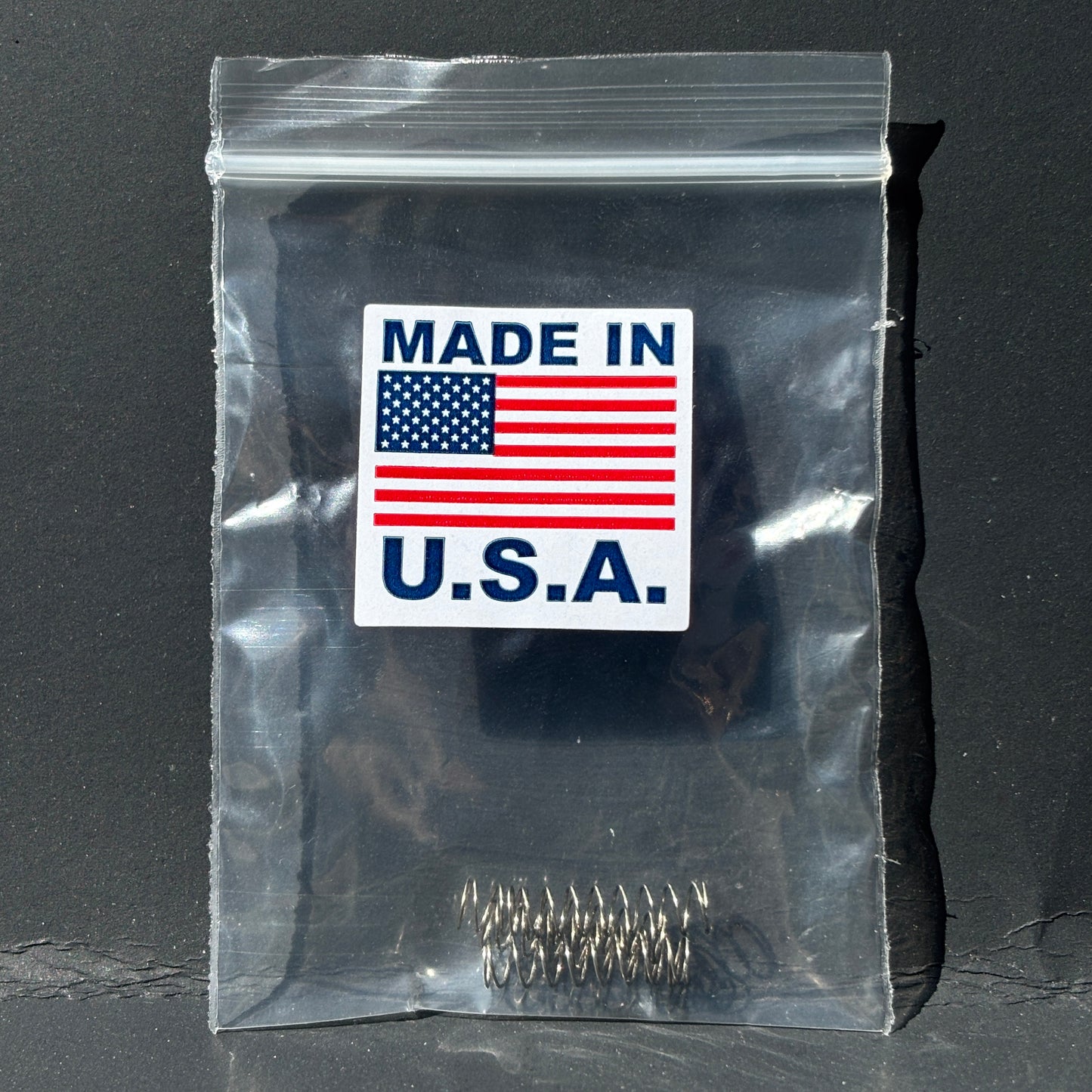
AMS 1 & 2 / TPU95A Conversion Spring Kit (4-Pack)
AMS 1 & 2 / TPU95A Conversion Spring Kit (4-Pack)
Regular price
$9.95 USD
Regular price
Sale price
$9.95 USD
Taxes included.
Shipping calculated at checkout.
Quantity
Couldn't load pickup availability
This kit includes replacement springs designed to reduce feeder tension in your AMS 1&2 unit, allowing for improved performance when printing flexible materials such as TPU 95A.
What’s Included
- (4) TPU Conversion Springs
Installation Instructions
-
Power Off & Unload Filament
- Turn off your printer and AMS unit.
- Remove any filament from the AMS.
-
Access Feeder Units
- Open the AMS and locate the feeder inlet assemblies.
-
Remove Original Springs
- Carefully disassemble the feeder inlet section.
- Remove the factory-installed tension spring.
-
Install Replacement Springs
- Replace the original spring with the included TPU conversion spring.
- Ensure proper seating and alignment.
-
Reassemble Feeder
- Reinstall all components securely.
- Repeat for each feeder channel as needed.
Material Settings (Important)
To enable TPU usage in AMS:
- Open your slicer (Bambu Studio)
- Go to Preferences (top left)
- Locate and enable:
- “Allow Blacklisted Materials”
- Use the preset "TPU for AMS" material setting. For TPU95A
This allows TPU to be selected and used within the AMS system.
Usage Notes
- These springs are designed specifically for TPU 95A use
- Modified feeder channels should be designated for TPU use only
⚠️ Material Limitations
- Stiffer materials (PLA, PETG, ABS, etc.) may not feed reliably with reduced tension
- Switching back to rigid materials may require reinstalling the original springs
Important Notes
- This is a functional modification intended for experienced users
- Proper installation is required for best performance
- Always verify feeder operation before starting a print
Share